To install Frontend Product Editor on your website, follow the steps below.
Via WordPress Dashboard
- From the Dashboard, click Plugins → Add New.
- In the Search field, enter Frontend Product Editor and choose to install.
- Next, Activate the plugin.
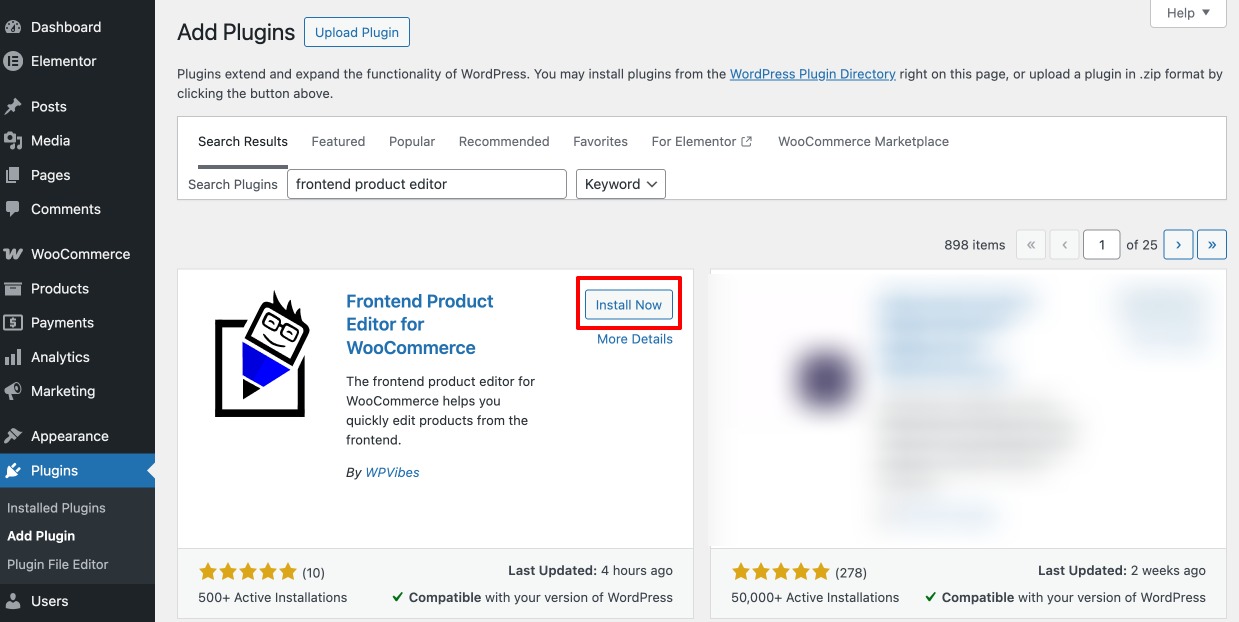
Via WordPress.org
- Go to https://wordpress.org/.
- Go to plugins and search for Frontend Product Editor, or you can navigate to plugin page by using the link, and click Download.
- In the WordPress dashboard, click Plugins → Add New.
- Now click on the upload plugin option, and the xa dialog box will open. Here, upload the zip file you have downloaded from the site.
- Click on Install Now and activate the plugin.