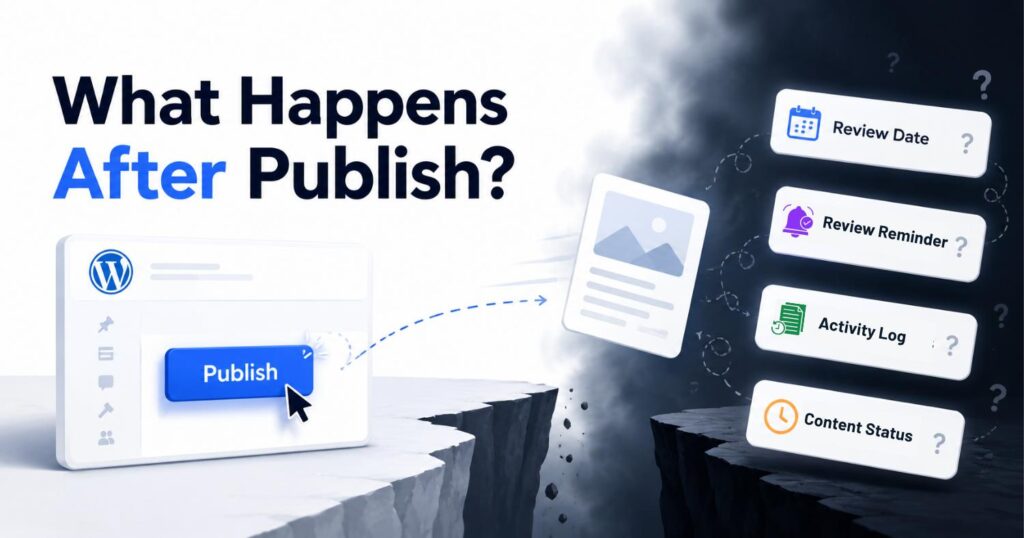
You click Publish. WordPress tells you the post is live. It gives you a link to share. Maybe it asks if you want to view it. And then it moves on.
Nothing tells you who is responsible for this post from now on. Nothing tells you when someone should check if the information is still correct. Nothing tells you what to do if the tool it mentions gets updated, the numbers change, or the person who wrote it leaves.
This is the part of WordPress content after publishing that nobody talks about. WordPress is great at helping you get content out the door. But the problem with WordPress content after publishing is simple: once a post is live, WordPress stops paying attention to it completely.
That gap is where most WordPress sites start to quietly have problems. This article explains why it exists, what goes wrong because of it, and what should be happening instead.
What Does WordPress Actually Do After You Hit Publish?
Almost nothing. WordPress saves the publish date, marks the post as live, and records who wrote it. After that, it steps away completely.
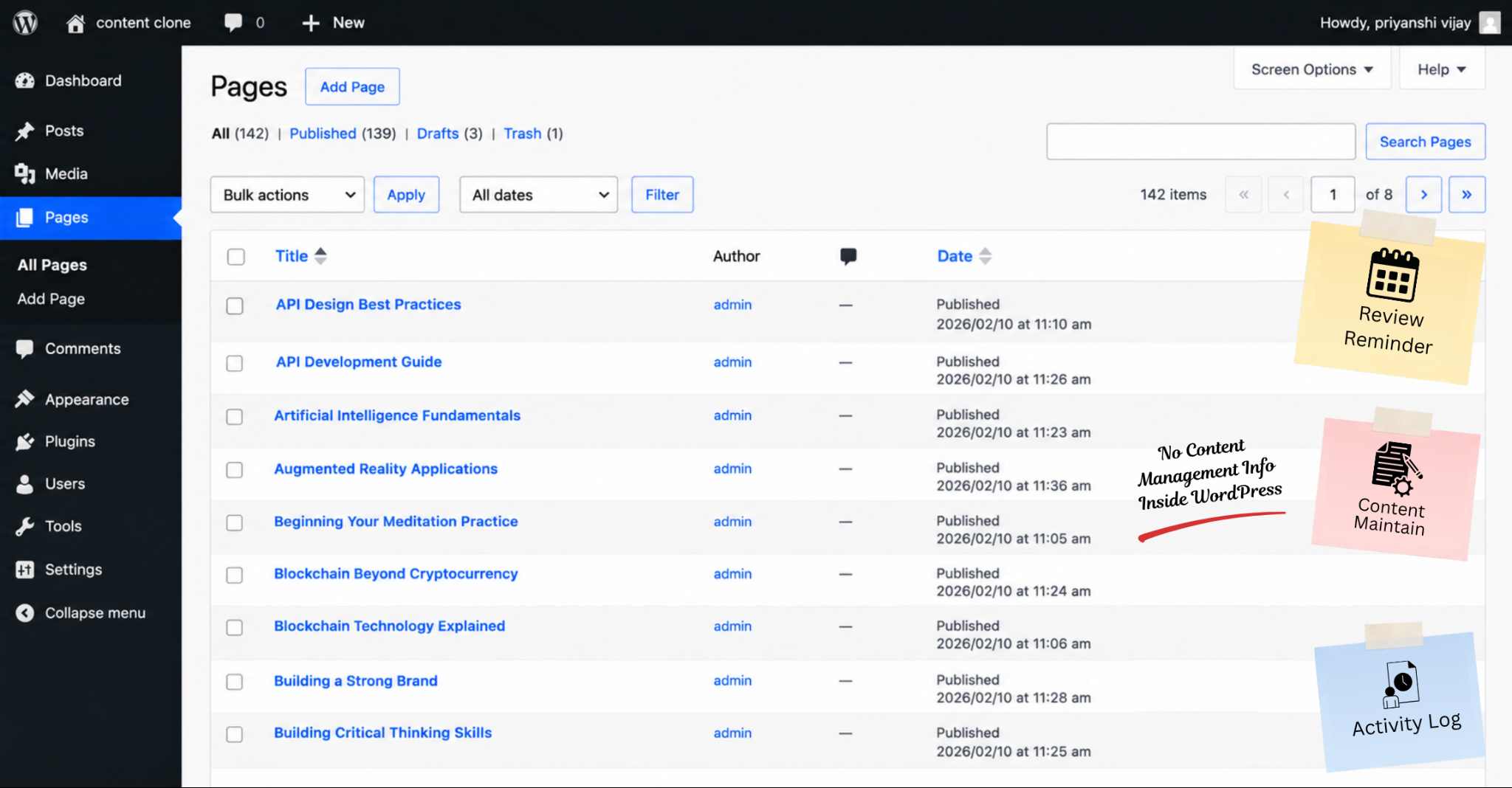
Go to Posts > All Posts in your WordPress dashboard. Look at the columns on that screen. You will see the post title, the author, the category, the tags, and the date it was published.
That is everything WordPress shows you about your published content.
None of those things tell you whether the post is still accurate. None of them tell you who is in charge of keeping it up to date. None of them tell you when someone last checked it or when someone should check it next.
According to WordPress.com’s activity data, WordPress users publish around 70 million new posts every month. That is more than two million posts every single day. Every one of those posts enters a platform that has no built-in way to track whether it stays accurate, who is responsible for it, or when it needs attention.
Why Does This Gap Exist in WordPress?
WordPress was built to help you publish content. It was not built to help you look after content once it is live. Those are two different jobs. WordPress only has tools for one of them. The question of what should happen with WordPress content after publishing has never had a proper answer built into the platform.
Was WordPress Built to Manage Content or Just Publish It?
WordPress started as a blogging platform in 2003. Its whole design is built around getting content published. Writing a post, editing it, scheduling it, and publishing it all work smoothly in WordPress.
What WordPress was never built to do is manage content once it is live. WordPress content management, in the true sense, means knowing what you have published WordPress content covering, who is responsible for each piece, whether it is still accurate, and when it needs to be checked. WordPress does not do any of that on its own.
WordPress 6.9, released in late 2025, added the ability to leave inline notes inside the editor so teams can collaborate more easily. That was a helpful update. But it made no changes to what happens to content after it is published. The same gap that existed before WordPress 6.9 is still there after it.
Why Do All the Workarounds Fail?
Most teams notice this gap at some point and try to fix it themselves. Here are the three most common attempts and why none of them actually work.
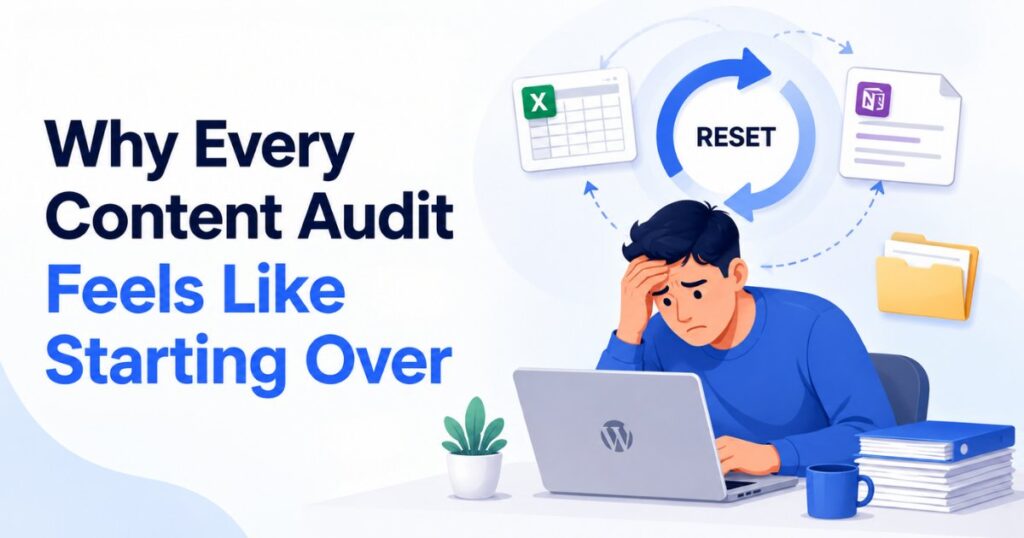
The spreadsheet. Someone builds a Google Sheet or Excel file with columns for post title, publish date, last reviewed, and owner. It looks organised at first. But within a few weeks it starts falling behind. Every time a post is updated, someone needs to go and update the spreadsheet too. That step almost always gets skipped. People are busy. The spreadsheet slowly becomes a record of what the team intended to do, not what actually happened.
Project management tools. Trello boards, Asana tasks, and Notion pages have the same problem. They all live outside WordPress. Keeping them accurate means someone has to manually update them every time something changes in the actual content. That does not happen consistently.
The WordPress Last Modified date. This one is worth stopping on because it looks like a solution. WordPress does show a Last Modified date on every post. It seems like a review signal. But it is not one. The Last Modified date updates automatically any time a post is opened and saved, even for the smallest change. Fixing a typo updates it. Adding a tag updates it. Changing a category updates it. A post that shows “modified yesterday” could mean someone went through the whole thing carefully and confirmed it was accurate. Or it could mean someone fixed one spelling mistake. There is no way to tell the difference. Teams that use the Last Modified date as a sign that a post was “reviewed” are getting false confidence. The date tells you when the post was last touched. It does not tell you whether anyone actually checked if the content was still correct.
Here are three examples of what this looks like in real life.
The tutorial nobody touched. A post from two years ago still ranks on page one. It still gets visitors every day. But the plugin it explains has been redesigned twice. The screenshots show screens that no longer exist. The steps cause errors on the current version. Nobody in WordPress flagged this. The post just kept ranking and kept sending readers through instructions that no longer work.
The team member who left. A writer wrote eight posts over six months and then moved on to another job. Their name is still listed as the author on all eight posts. Nobody was given responsibility for those posts when the writer left, because there was no way to do that in WordPress. Six months later, a reader emails about a serious error in one of them. Nobody knows who to ask or when it was last checked.
The statistics post that kept ranking. A post with industry numbers was accurate when it was written. Three sources have since updated their figures. The post still ranks and still shows the old numbers as if they are current. Readers who check the original sources find different numbers and stop trusting the site.
Note: Any system that needs to be updated manually outside WordPress will eventually fall behind. The information about your content needs to live in the same place as the content itself.
Why Do Most People Not Notice Until It Is Too Late?
WordPress gives you no warning when a post goes stale. There is no alert. No flag. Nothing in your dashboard that tells you something is wrong.
A post that has not been looked at in two years looks exactly the same in the All Posts list as one that was reviewed and updated last week. Even the Last Modified date does not help, as explained above. It updates for any save, so it tells you nothing meaningful about whether a post is still accurate.
The first signs usually come from outside WordPress. A reader emails about a mistake. Traffic drops slowly in Google Search Console. Rankings fall after a Google update. By then the problem has already been building for months.
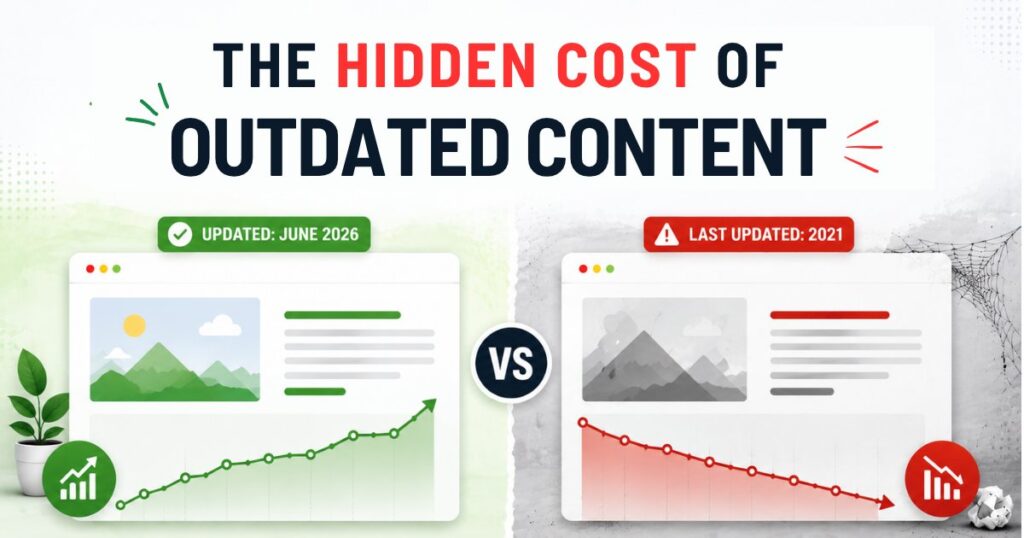
Most readers who land on wrong information do not email you. They just leave. You never find out they were there. The cost of outdated website content adds up quietly: rankings fall, trust is lost, and the team has no record of when or why.
What Does This Cost Your Site Over Time?
Not having a system for WordPress content after publishing hurts your site in three ways at the same time. Your search rankings, your reader trust, and your team accountability all get worse quietly and together.
Search rankings. Google gives a boost to content that is current and kept up to date. A page that has not been touched in two years, while competitors are updating their content on the same topic, is at a disadvantage. The ranking does not drop all at once. It slides down slowly, in a way that is easy to miss until it has already dropped a long way.
Visitor trust. When a reader follows a tutorial and gets an error at step four, or reads a statistic and finds the original source now shows different numbers, they feel let down. According to the 2023 Trust in Marketing Index, as cited by Trustpilot Business, 33% of people say outdated content directly damages their trust in a brand. That trust does not come back when you eventually fix the post. The reader is already gone.
Team accountability. When no one is named as the owner of a post and there are no review dates, responsibility for the content belongs to everyone and effectively to no one. When something goes wrong, there is no clear person to fix it and no system to stop the same thing happening in another post a few months later.
Pro Tip: Reviewing and updating a post almost always takes less time than recovering the rankings and reader trust you lose while it sits untouched. Keeping content current is cheaper than fixing the damage from ignoring it.
What Should Actually Happen After You Hit Publish?
Four things should happen with WordPress content after publishing that WordPress does not do on its own. A review date should be set. An owner should be named. A next action should be noted. And the post should show up somewhere visible when its review date arrives.
These are not complicated requirements. They are the basic things needed to treat published content as something that needs ongoing attention, not just something that is done.
Review Dates and Owners
A review date is not the same as a publish date. A publish date tells you when the post went live. A review date tells you when someone should next check whether it is still accurate. A post published in January 2024 and reviewed properly in January 2024 is in a very different situation from a post published in January 2024 and never looked at properly since. WordPress records both the same way.
An owner is not the same as an author. The author wrote the post. The owner is the person responsible for keeping it accurate going forward. WordPress post ownership is not something the platform tracks by default. On a site run by one person, author and owner are the same. On a team, they often are not. Without a named owner, nobody is truly in charge of a post once it goes live.
A next action should be specific. “Someone should probably look at this” is not a next action. A real next action is: check the post is still accurate and set a new review date, update a section that has changed, archive the post if the topic is no longer relevant, or redirect it to a newer version.
Beyond that, there is the attention queue. There is no view in the standard WordPress dashboard that shows you which posts are due for review this month, which posts have no named owner, or which have not been checked since the day they were published. That view simply does not come built in. Until you add a system to WordPress, you have no way to see which content needs attention next.
For a practical guide on how to manage outdated WordPress content once you know which posts need attention, the linked article walks through the full process step by step.
Frequently Asked Questions About WordPress Content After Publishing
These are the questions people most commonly ask about managing WordPress content after publishing. Each answer is written to give you a clear, direct response.
Does WordPress have a built-in content review system?
No. WordPress tracks the publish date, the author, the category, and the post status. It has no built-in way to set review dates, name content owners, or show which posts need attention. The Last Modified date updates automatically for any kind of save, even minor ones, so it does not tell you whether a post was genuinely reviewed and checked for accuracy.
Why do WordPress posts go out of date so quickly?
Because things change and WordPress does not remind anyone to check. Tools get redesigned. Statistics get updated by their original sources. Best practices shift. None of those things send a notification in WordPress. The post just keeps sitting in your All Posts list, looking the same as always, while the information inside it slowly becomes wrong.
How do I know which of my WordPress posts need updating?
WordPress will not tell you. The most common sign is a traffic drop that shows up in Google Search Console. You can also go through your posts sorted by publish date and manually check anything older than 12 months for accuracy, broken links, and screenshots that no longer match the current version of what they are showing. Neither approach is automatic without a proper review system in place.
What is the difference between a publish date and a review date?
A publish date records when the post went live. A review date records when someone should next check whether the content is still accurate. WordPress tracks publish dates. It does not track review dates. A post published three years ago with no review date is an unknown: it might still be accurate, or it might be full of outdated information. Without a review date, there is no way to know.
Conclusion
WordPress is great at helping you publish content. What it does not do is take any interest in what happens to that content once it is live.
A publish date and a review date are two very different things. WordPress only tracks one of them. The challenge with WordPress content after publishing has always been that the platform gives you no tools to manage what comes next. The sites that keep their rankings, earn reader trust, and stay on top of content quality year after year are the ones that have built a system for the part of the job WordPress leaves blank.
If you want that system to live inside WordPress rather than in a spreadsheet that slowly falls behind, Content Lifecycle Manager is built to do exactly that. It adds review dates, named owners, and an attention queue directly inside WordPress, so you always know what needs attention and when. The free version is available on WordPress.org.