
WordPress mail log
Never Lose Track of a WordPress Email Again
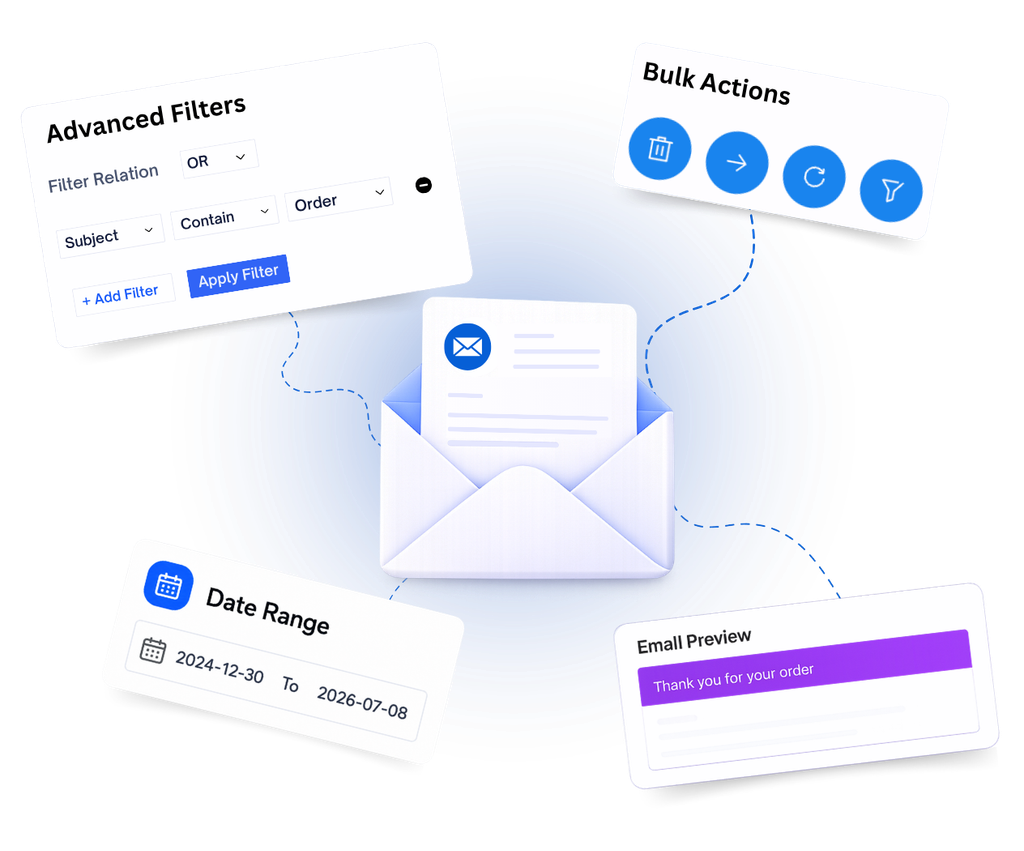
WP Mail Log captures every email your WordPress site sends – so you can view, search, resend, and forward them anytime, right from your admin dashboard.
Why WP Mail Log
Everything Changes the Moment You Hit Activate.
Start tracking every WordPress email in seconds.
Automatic email logging
Every outgoing email is stored with recipients, subject, headers, attachments, and full message details.
Bulk cleanup made easy
Delete one email or multiple at once. Keep your log organized without unnecessary clutter.
Powerful search & filters
Search by recipient, subject, or content and find the exact email in just a few seconds.
One-click resend & forward
Resend failed emails or forward any logged message without leaving the dashboard.
Features
Take Control of Every WordPress Email
Simple enough to install and forget. Powerful enough to handle serious email troubleshooting, auditing, and management.
Email Log Dashboard
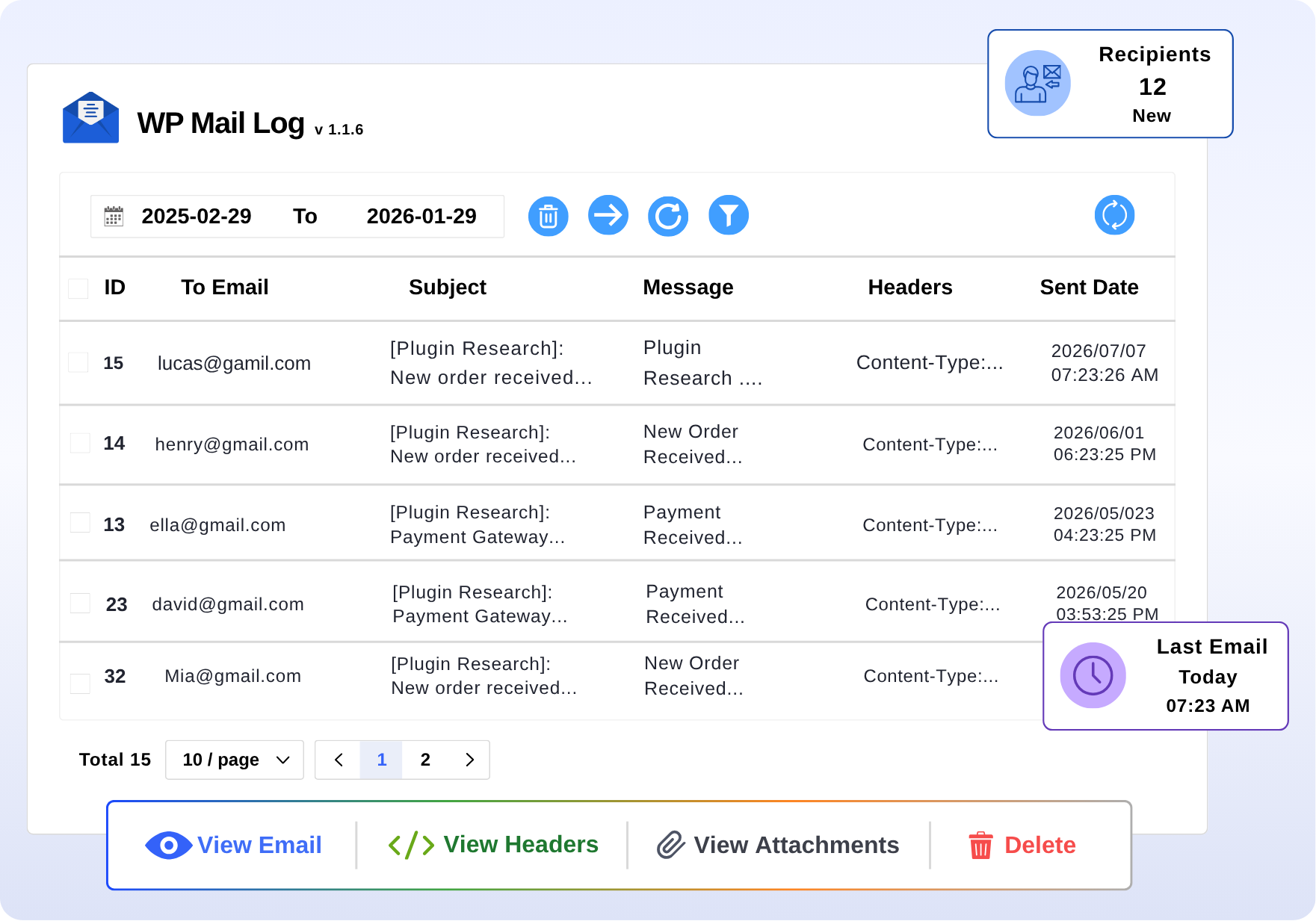
See every email your site has ever sent.
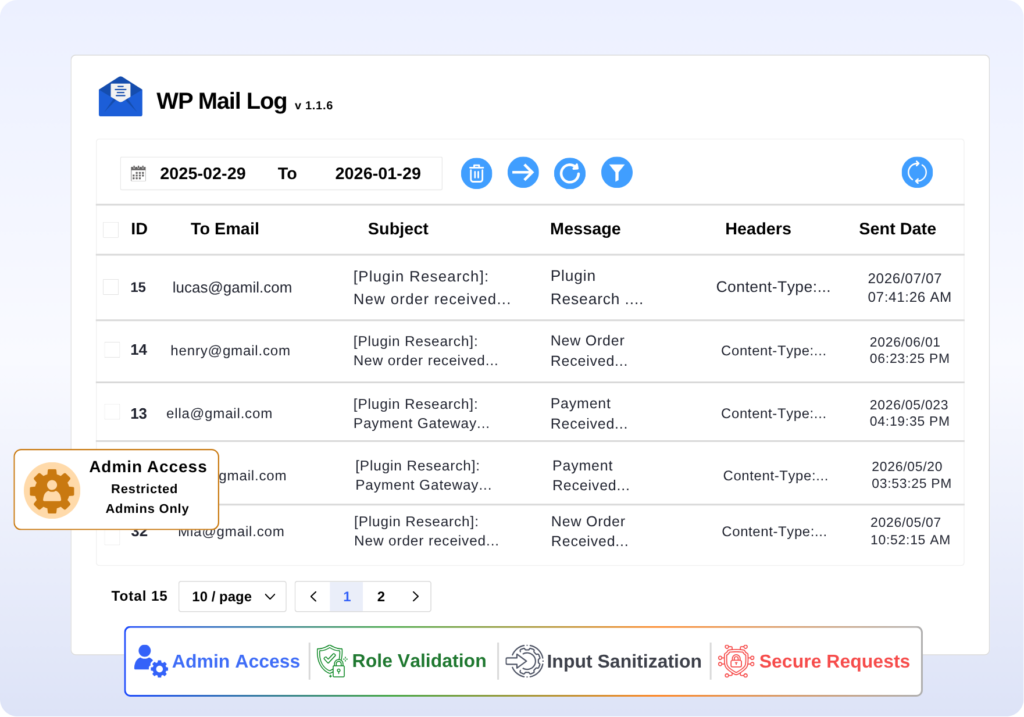
The WP Mail Log dashboard gives you a complete, scrollable history of every email your WordPress site has sent. Who it went to, what the subject was, when it was sent, and whether it had attachments all visible at a glance. Click any email to read the full thing.
- Clean, paginated table no clutter
- Click any row to read the full email and headers
- Bulk-select and delete multiple entries at once
Advanced Search & Filtering
Find the email you need in under 10 seconds.
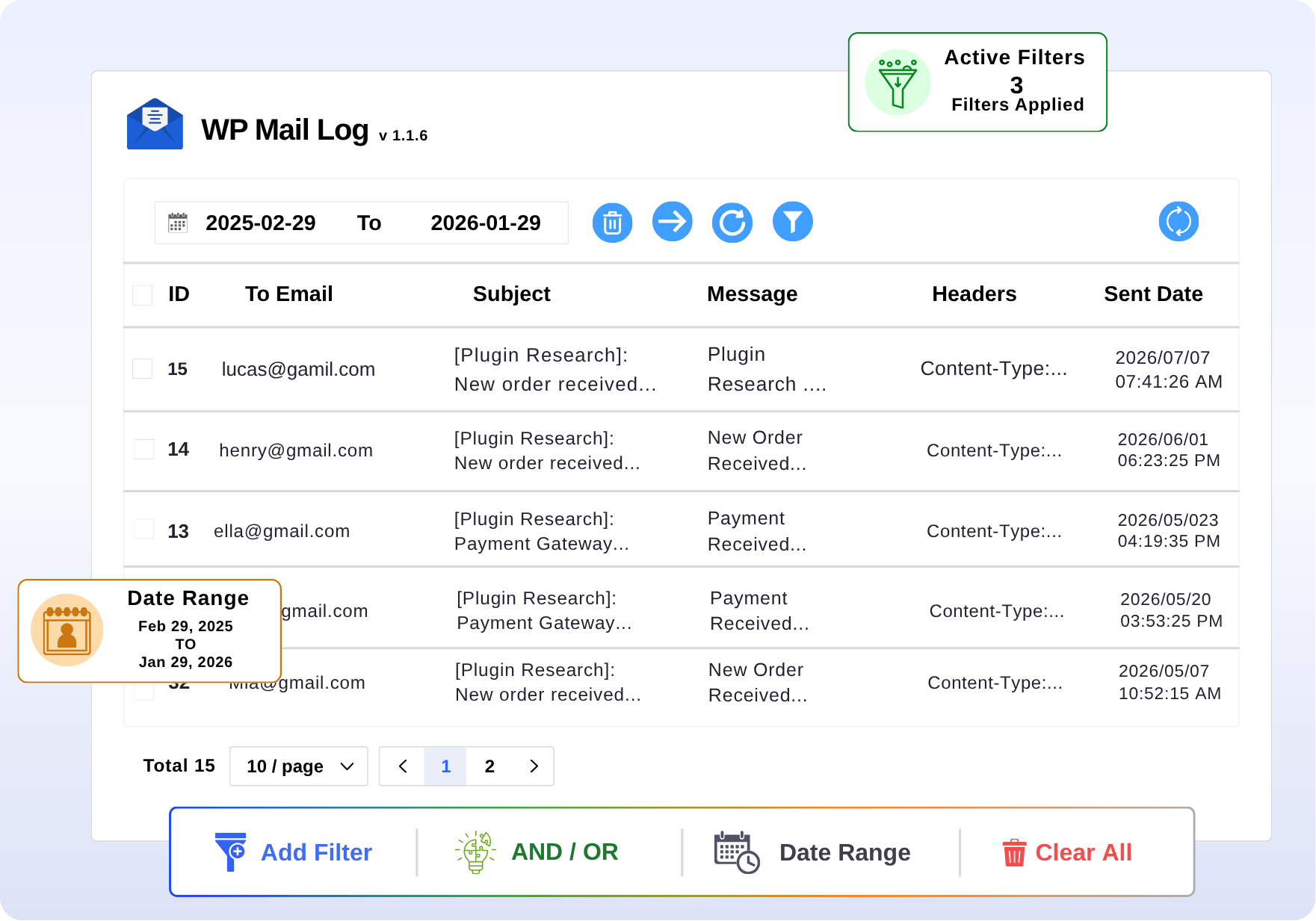
Don’t scroll through hundreds of emails. Use the built-in filters to jump straight to what you’re looking for. Search by who it went to, what the subject was, or what the email said. Set a date range. Stack multiple filters. Done.
- Operators: contains, doesn’t contain, equals, doesn’t equal
- Combine multiple filters with AND / OR logic
- Custom date range picker for filtering emails
Resend & Forward
“They never got the email.” Not a problem anymore.
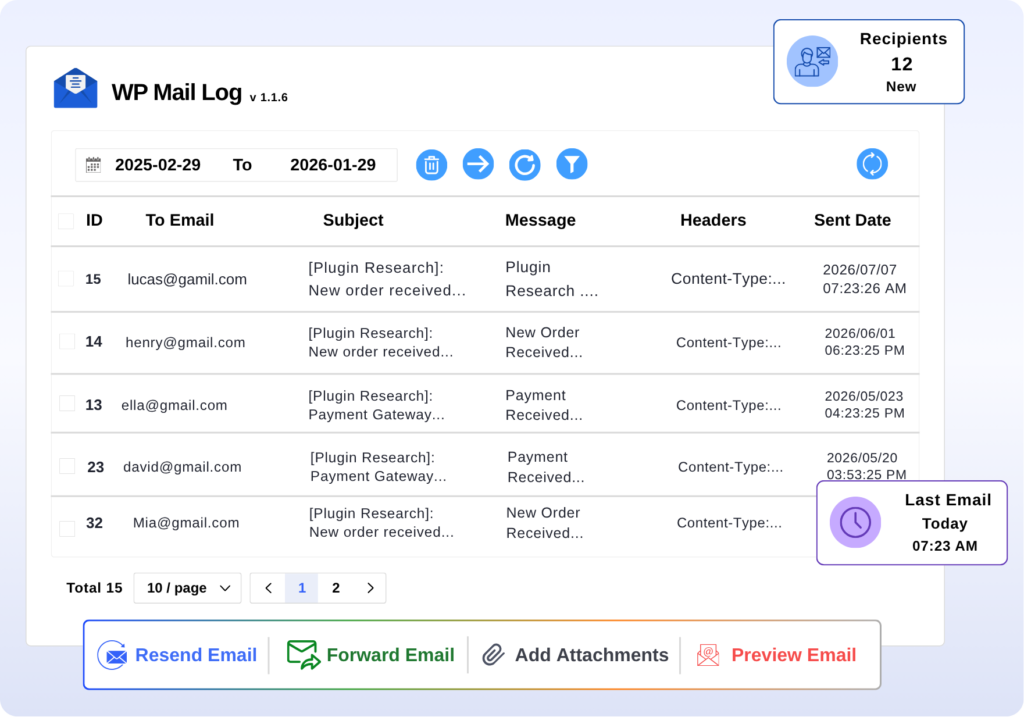
When a customer says their order confirmation never arrived, stop panicking. Find the email in the log. Check if it was sent. Then resend it with one click, same content, same attachments, straight to their inbox. Need to send it to a different address? Forward it in seconds.
- Resend to the original recipient in one click
- Forward to any email address
- Upload new attachments before sending if needed
Security & Access Control
Your email logs are private. We keep them that way.
The WP Mail Log dashboard is only accessible to WordPress admins. Every API call, every filter, every delete action goes through permission checks, prepared SQL statements, and nonce verification. Your data stays exactly where it belongs.
- Admin-only access
- All inputs are sanitized and validated
Use Cases
Built for Every WordPress Workflow
WordPress Developers & Agencies
Debug Email Issues Without Guessing
See every email your site sends, including full headers and content. Find and fix email problems in minutes, not hours.
- Confirm whether WordPress fired the email
- Inspect full headers to identify delivery issues
- Test email workflows without waiting for inboxes
WooCommerce Store Owners
Clear Accountability Across Your Content
See every email your store sends to customers. If someone says they didn’t get it, find it in the log and resend it in one click.
- View and resend any WooCommerce email
- Catch failed or malformed notifications early
- Track email delivery by recipient or order
Freelancers & Site Managers
Answer “Was That Email Sent?” in Seconds
Install it on every client site in 30 seconds. When a client asks if an email was sent, you’ll have a real answer with proof.
- Instant answers to email delivery questions
- Works across all site types and plugins
- No setup overhead per site
Site Administrators
A Complete Email Audit Trail, Automatically
Keep a full record of every email your site sends. No setup needed; it runs quietly in the background and never misses a thing.
- Zero configuration, zero ongoing maintenance
- Searchable archive for compliance or internal review
- Log every registration, reset, and notification email
What People Are Saying
10,000+ Sites. And They All Have One Thing in Common.
See why thousands of WordPress users trust WP Mail Log.
“Excellent and clean UX, and does its job very well without adding too many cross adverts of other plugins. Thank you, Anand and WPVibes for making this plugin available free for all!”
– Nagesh Pai · WordPress.org
“This plugin saves me a lot of time. Very helpful for tracking and troubleshooting email issues in WordPress. Highly recommended!”
– Saiful Alam · WordPress.org
“I truly like the way this email log tool works and looks. It uses AJAX so the screen doesn’t need to refresh to show the next set of emails. It’s really, really good. Great job and thanks a ton!”
– webdevgo · WordPress.org
“Can’t thank you enough for this plugin. Much appreciated. Keep up the good work.”
– Shafayat Hossain · WordPress.org
“Clean and very well built. Does exactly what it says.”
– Deepak Gupta · WordPress.org
“This was a much needed plugin. It makes checking email activity so easy and saves a ton of time.”
– mayank29gupta · WordPress.org
FAQ
Got Questions? We’ve Got Answers.
Everything you need to know about Content Lifecycle Manager.
Do I need to set anything up?
Nope. Install the plugin, hit activate, and it starts logging immediately. No configuration required, no accounts, no API keys. It’s genuinely plug-and-play.
Which emails does it log?
All of them. WP Mail Log captures every email sent through WordPress’s wp_mail() function: WooCommerce orders, contact form notifications, password resets, user registrations, and anything else a plugin or theme sends through WordPress.
Will it slow my website down?
No. WP Mail Log only runs in the WordPress admin. It doesn’t load any scripts or styles on your public site, so your visitors won’t feel a thing.
Who can see the email logs?
Only WordPress admins. Access to the log is locked behind the manage_options capability, and every action, viewing, deleting, resending goes through security checks.
Can I resend or forward a logged email?
Yes. Find the email in the log, click resend, and it goes straight back to the original recipient with the original content and attachments. Want to send it to a different address? Use the forward option.
Can I search for a specific email?
Yes. Filter by recipient, subject, or message content. Use operators like contains, doesn’t contain, equals, or doesn’t equal. Stack multiple filters. Pick a custom date range. You’ll find it fast.
Install It Free. Know Exactly What Your Site Is Sending.
No setup. No cost. No excuses. Just install it and start logging.